Getting Started
Logging In
LUX CAD has no accounts of its own. You sign in with Discord, and that single login is what identifies you across every community you play in — there is no username, no password and nothing to register.
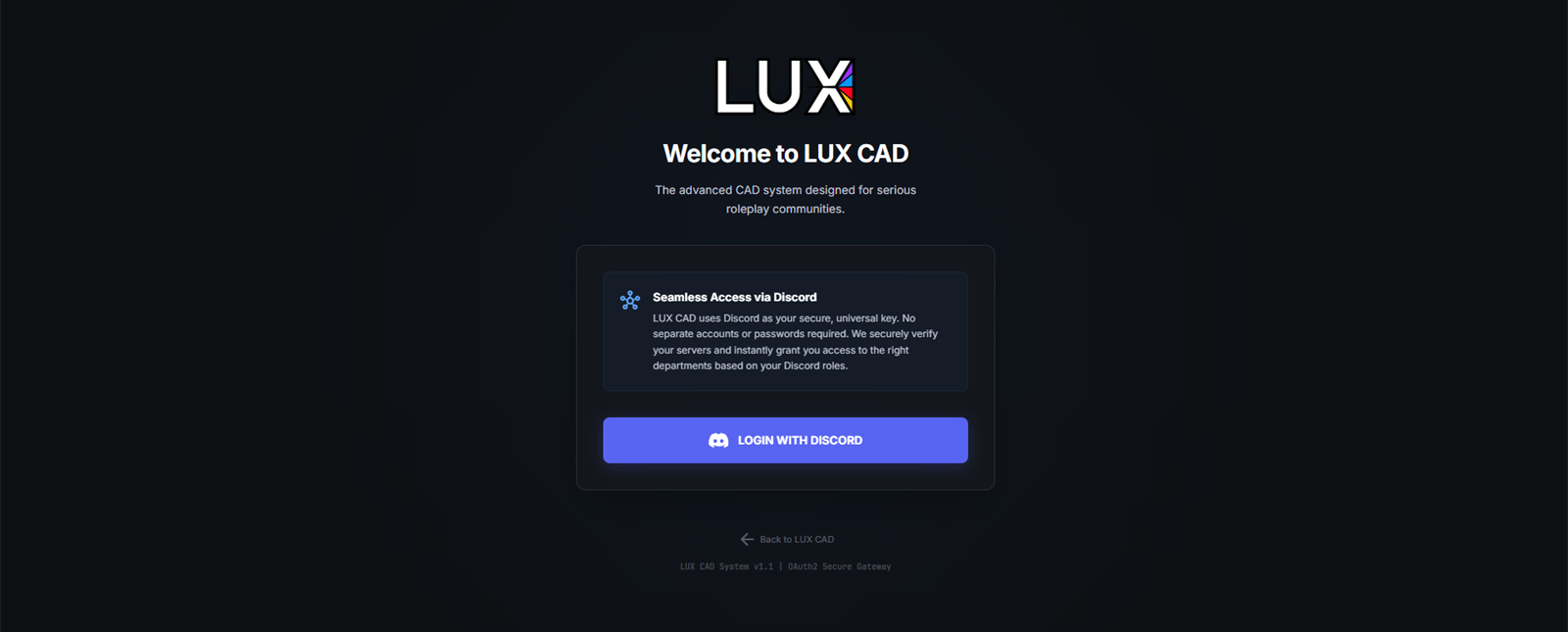
Signing in
- Open the CAD in your browser.
- Click LOGIN WITH DISCORD.
- Discord asks you to authorize LUX CAD. Approve it.
- You land on the community picker — see Selecting a Community.
You only see the authorization screen the first time. After that Discord sends you straight back.
What LUX CAD reads from Discord
Three things, and nothing else:
| Used for | |
|---|---|
| Your account | who you are — your name in the CAD comes from your Discord profile |
| Your email | account identification only |
| Your servers | which communities to offer you, and which departments you may open |
Your roles inside a community's Discord server decide what you can do in the CAD: whether you get LEO, SAFR, Dispatch or only the civilian portal. That check runs live every time you open the community, so a role your staff team gives you takes effect immediately — no re-login needed.
LUX CAD cannot post as you, read your messages, or see servers it has nothing to do with.
In the game
The in-game tablet signs you in by itself through the game server. You do not log in a second time, and the community is already fixed — the tablet always belongs to the server you are playing on.
When your session expires
Sessions do not last forever. What you see depends on how far it has lapsed:
- "Your Discord session has expired" — click Reconnect with Discord. Normally you are back in a couple of seconds without seeing Discord at all.
- "Please log in again with Discord to continue" — the quiet reconnect did not work. Use the Discord button; you may have to approve access again.
- "Discord authentication was canceled or failed" — you closed or declined the Discord screen. Try again and approve it.
This is routine and does not mean anything is wrong with your account.
Signing out
SIGN OUT sits in the bottom-left corner of the community picker and the portal. It ends your CAD session and returns you to the public site. On the expired-session screen, Use a different account does the same thing and lets you come back as someone else.
Signing out does not take you off duty. If you are signed on as a unit, go off duty first — see Going On Duty.